
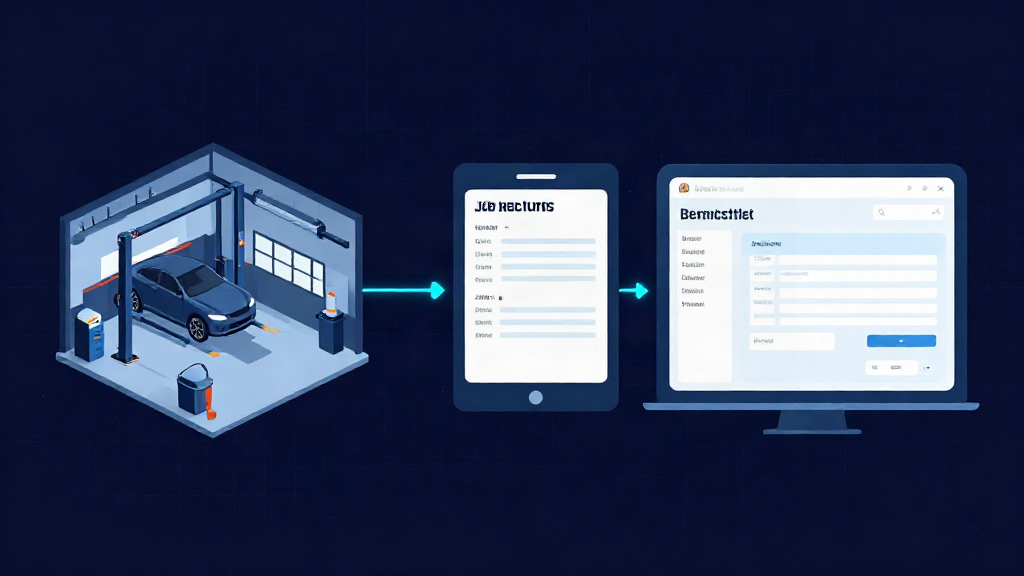
If you run a garage with three to six technicians, your day is a relay race. The phone goes, the booking lands in the diary, a quote goes out, the car arrives, the job sheet gets started, parts get ordered and the invoice goes at the end. Every one of those steps is a chance to write the same registration, the same customer name and the same labour time all over again.
That is where duplicate admin hides. It is rarely one dramatic system failure. It is the small retyping that happens at every handover, and it eats the time you would rather spend on the ramp. It is also the reason job status gets unclear and follow-ups slip past closing time.
Here is a practical way to cut it, built around one job record that carries the details from booking through to invoice.
Where the double-handling creeps in
Most independent garages have four places where the same job gets written down: the diary or booking sheet, the quote, the job sheet and the invoice. Each one was probably added when it was needed, and each one does its own job well enough. The problem is that they do not talk to each other.
So the reg gets written on the booking, again on the quote, again when the car is booked in, again on the job sheet, and once more on the invoice. The customer’s number sits in three different places. Labour times get copied by hand. Parts prices get looked up twice: once when the quote goes out, and again when it is invoiced.
The second leak is handover. If the front desk keeps the diary and the technician keeps the job sheet, the only place those two views meet is a conversation across the workshop. When the phone rings and asks how the car is getting on, someone has to go and find out. That is admin you cannot bill for.
Set up one job record that carries the details
The fix is to stop treating the booking, the quote, the job sheet and the invoice as separate documents, and start treating them as stages of one job. You enter the details once – customer, vehicle, the work discussed – and every later stage reads from that same record instead of starting from a blank page.
In practice that looks like this: when you take the booking, the quote is built from it. When the quote is accepted, the job sheet is built from the quote. When the job sheet is marked complete, the invoice is built from the job sheet. Price, parts and labour flow through, and nobody retypes a registration or looks up a part price they already quoted.
This is the idea behind Workshop Pulse: your whole workshop in one simple app, connecting the job from booking and quote through job sheet, invoice and payment tracking. It was built by a technician with over 30 years in the workshop, so the workflow follows the way a job actually moves through the bays rather than the way a spreadsheet does.
A handover routine the whole team can see
One record is only useful if everyone reads from the same one. Set a simple routine: whoever takes the booking owns the status until the car is in, then the technician owns it until the job sheet is complete, then the front desk owns it until the invoice is paid. At every change of owner, the status changes in the same place the whole team can see.
That turns the question of where a car is at into a look at the screen rather than a walk across the workshop. The service adviser can answer the phone without leaving the desk. The technician is not interrupted mid-job for an update that is already visible elsewhere.
Keep the rule blunt: if the job moved, the status moves. If it is not on the record, it did not happen.
Keep approvals, follow-ups and payments visible before anyone goes home
Most after-hours admin comes from things left open: a quote waiting on a yes, a job waiting on a part, an invoice that has not been chased. Make those visible on the same job record so they get picked up during the working day rather than at 7pm.
A quick end-of-day pass takes a few minutes. Which quotes are still waiting on approval? Which jobs are held up, and on what? Which invoices are out and not yet paid? Anything that needs a nudge gets one before the workshop closes, which is far easier than chasing it tomorrow morning.
What to change first
You do not need to change everything at once. Start with the biggest retype. If the quote-to-job-sheet handover is where details get lost, fix that first. If it is the job-sheet-to-invoice step, start there instead. Pick one job that is on the ramp this week, run it through the new routine end to end, and see how it feels before you move the whole diary across.
Be straight with the team about what is changing and what is staying the same. Data migration, training and setup all take time, so plan the switch for a quieter week rather than a busy one, and keep your old records to hand while everyone settles in.
Trying it on a real job
You can run Workshop Pulse Core free for 14 days to test the booking-to-invoice workflow on your own jobs. A card is required, the trial starts when your portal is ready, and there is no subscription payment during the trial – if it is not for you, just cancel before the trial ends.
Core has a guide price of €99 a month plus a €395 one-off onboarding per garage, and includes unlimited employees, support and updates. Core Plus adds the AI Invoice Reader, BQM Assistant and Fleet Management at a guide price of €199 a month plus €795 onboarding, and Core Pro is scoped by quotation where you need tailored configuration, migration planning or training. Some bolt-ons, supplier licences and messaging usage are quoted separately, and final availability and package are confirmed before activation. Prices are in EUR and exclude VAT where applicable.
If you would rather talk it through first, that is fine too. A straight conversation about whether it fits your workshop beats a hard sell every time.
Workshop Pulse
Run your whole workshop from one app.
Bookings, job cards, video inspections, invoicing and parts in one place. 14 days free. No card required; €0 today. Your trial starts only when your workshop is ready to use.